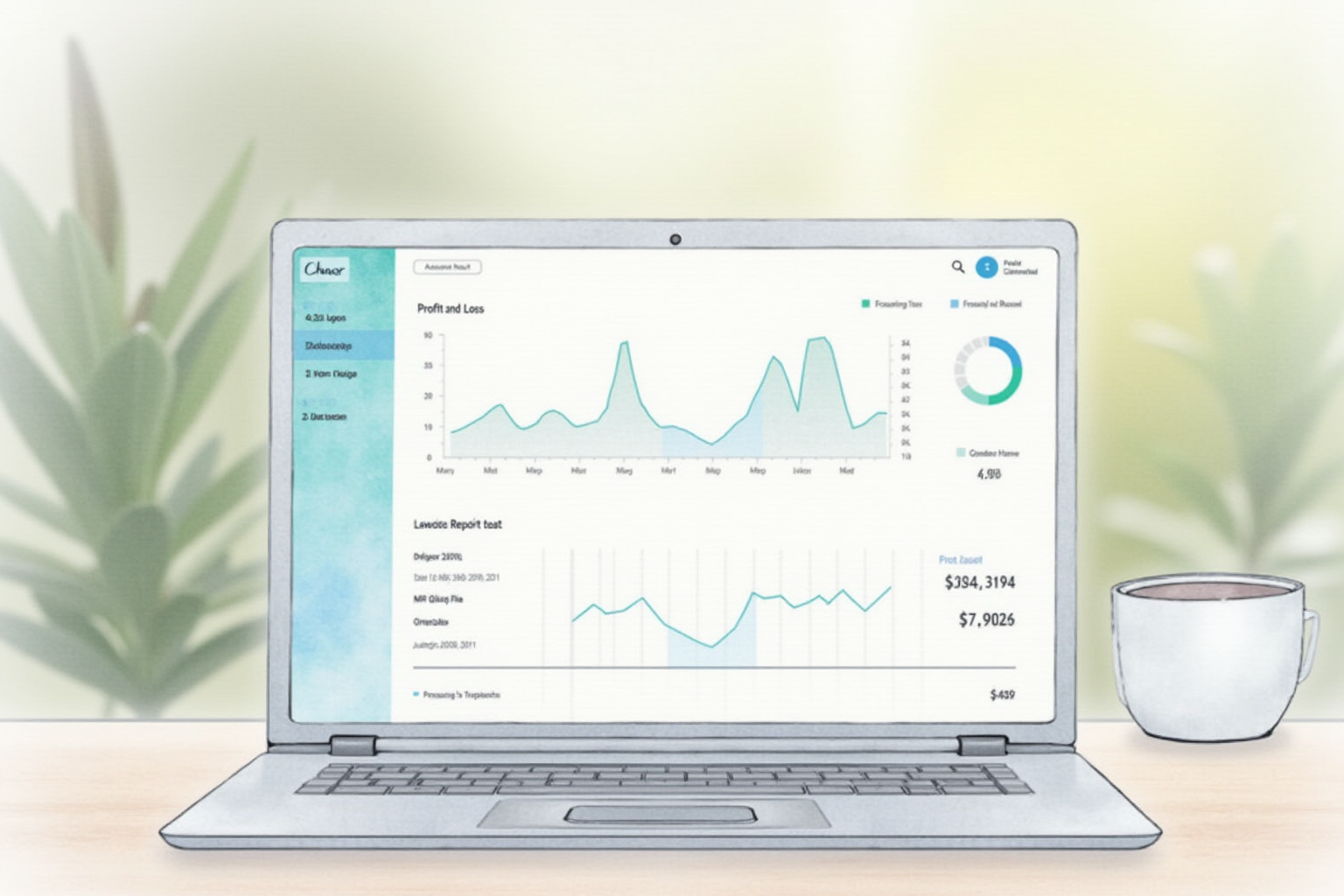
Accounting software is the operating system of a small business. The choice you make affects every other tool decision (which bank, which payroll service, which CRM), how your CPA works with you, and how easy or hard year-end taxes become. We tested QuickBooks Online, Xero, and Wave with the same 90-day test books for a service business with 250,000 dollars in revenue across 60 customer invoices, 200 vendor expenses, and one payroll cycle. We measured setup time, accuracy of automated categorization, integration depth, and ongoing maintenance hours.
What Accounting Software Actually Does

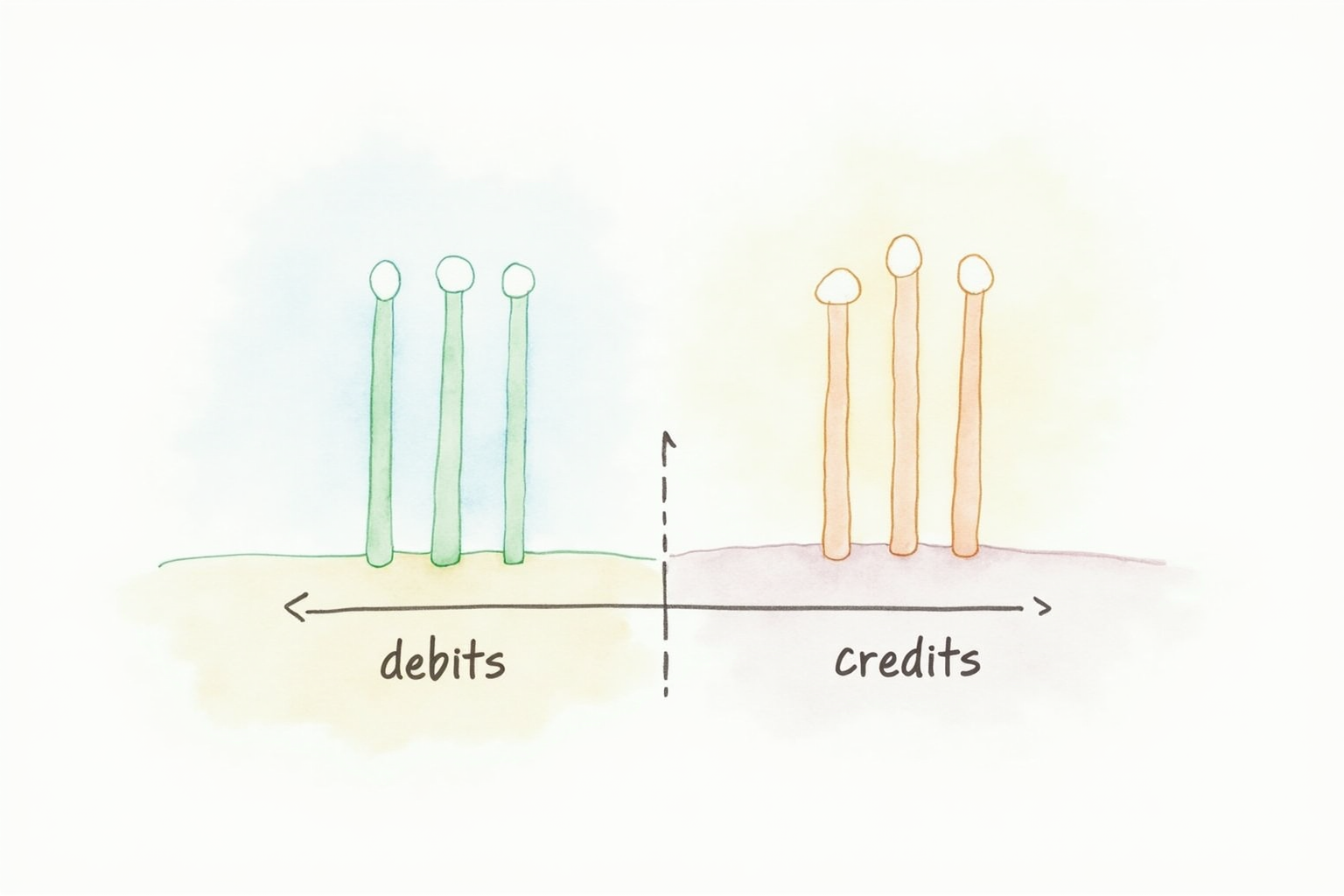
The marketing language obscures the four concrete services that justify the monthly subscription. First, automatic bank reconciliation matches imported transactions to invoices, bills, and journal entries, surfacing mismatches that indicate missing data or errors. Second, double-entry accounting enforces the foundational rule that every transaction affects at least two accounts (debit/credit), preventing the most common bookkeeping errors. Third, financial reports (P&L, balance sheet, cash flow statement) generate on demand from the underlying ledger rather than requiring manual spreadsheet assembly. Fourth, integration with payroll, payment processing, and tax-filing services eliminates redundant data entry.
A spreadsheet can do the first two with discipline; it cannot reasonably do the third and fourth. The result is that accounting software pays back its 15 to 80 dollar monthly cost in time saved within the first month for most businesses above 50,000 dollars annual revenue.
Top Pick — US Standard For Most Small Businesses
QuickBooks Online Plus
Price · $99/month ($85/month with annual billing)
+ Pros
- · Dominant US market share — every CPA knows it
- · Strongest integration with US-specific tools (banks, payroll, sales tax)
- · Class and location tracking for multi-location or project businesses
- · Receipt capture mobile app with OCR
− Cons
- · Higher price than competitors with similar features
- · Aggressive marketing of add-on services during interface use
Price, availability, and ratings can change; verify details on the retailer page before buying.
QuickBooks Online remains the right default choice for most US small businesses because of three structural advantages competitors cannot match. First, CPA familiarity is universal — virtually every US small-business CPA works in QuickBooks daily and can step into your books with no learning curve. This matters when problems arise (audit, complex transactions, year-end adjustments) and you need professional help quickly. Second, native integration with US banks (every major bank, plus thousands of smaller institutions), payroll services (QuickBooks Payroll, Gusto, ADP), and tax software (TurboTax for self-employed, Lacerte for CPAs) eliminates manual data flow.
Third, the Plus tier adds class and location tracking, which segments your reports by project, department, or business unit. For service businesses tracking project profitability or product businesses tracking SKU performance, this feature alone justifies the upgrade from Simple Start or Essentials tiers. The honest negatives are price (99 dollars monthly is the highest in our comparison set) and the aggressive in-app marketing for QuickBooks Payments, QuickBooks Capital loans, and other add-ons. Expect to dismiss 6 to 10 upsell prompts during a typical week of bookkeeping work.
Modern Pick — Best Cloud-Native Interface
Xero Established Plan
Price · $78/month (no annual discount)
+ Pros
- · Cleaner modern interface compared to QuickBooks Online
- · Unlimited users on every plan — no per-seat pricing
- · Excellent multi-currency support for international businesses
- · Free 30-day trial with full feature access
− Cons
- · Lower US CPA familiarity than QuickBooks — may pay more for CPA work
- · US-specific features (sales tax, 1099 filing) less polished than QuickBooks
Price, availability, and ratings can change; verify details on the retailer page before buying.
Xero is the right choice for businesses prioritizing interface design quality and unlimited user access over CPA-availability optimization. The interface is genuinely better than QuickBooks Online — cleaner layouts, faster navigation, and modern design language. For business owners who do significant bookkeeping themselves rather than handing it to a bookkeeper, the interface quality compounds into real time savings over months of daily use.
The unlimited users feature is the second standout. QuickBooks charges per seat, which adds up to 75 to 150 dollars monthly for businesses with multiple employees needing accounting access (CEO, CFO, bookkeeper, project manager). Xero’s flat-rate model handles teams without surprise costs. Multi-currency support is the best in class, which matters for businesses with international customers or vendors. The downside is US CPA availability — fewer CPAs are Xero-fluent than QuickBooks-fluent, which means higher hourly rates or more time spent training a CPA to work with your books. For digital-first businesses managing accounting internally, this matters less than for traditional businesses outsourcing bookkeeping.
Free Pick — For Genuinely Small Businesses

Wave Accounting Free Plan
Price · Free (Wave Payments 2.9% + $0.60 per transaction)
+ Pros
- · Genuinely free for accounting, invoicing, and receipt scanning
- · Multi-business support — manage multiple LLCs in one account
- · Integrated payment processing (Wave Payments)
- · Strong choice for freelancers and consultants
− Cons
- · Limited inventory management features
- · Customer support response time slower than paid platforms
Price, availability, and ratings can change; verify details on the retailer page before buying.
Wave is the right choice for genuinely small businesses — freelancers, consultants, contractors with revenue under 100,000 dollars and simple chart of accounts. The free accounting tier provides P&L and balance sheet reporting, bank connection (now using Plaid for clean OAuth-based connections), and invoicing. The business model is the Wave Payments processing fees (2.9 percent plus 60 cents per transaction for credit cards, 1 percent for ACH), so the free accounting tier is genuinely free if you do not process payments through Wave.
The multi-business support is the genuine surprise — Wave lets you manage multiple LLCs or sole proprietorships from one account at no extra cost, which is useful for business owners running several side ventures. The limitations are real. Inventory management is basic; product-based businesses with SKU tracking should not use Wave. Customer support is email-based with 24 to 48 hour response times, versus QuickBooks and Xero’s 1-hour live chat. For freelancers and consultants whose accounting needs do not exceed basic income and expense tracking, Wave is a genuinely good free product. For growing businesses, the upgrade to Xero or QuickBooks is worth the monthly cost.
What To Avoid
Three accounting software categories should not be your default. Desktop QuickBooks Desktop (the legacy product Intuit is phasing out) cannot integrate with modern cloud-banking platforms and creates one-machine lock-in that fails the moment you change computers. FreshBooks despite its strong marketing is invoicing-centric with weaker double-entry accounting underneath; service businesses outgrow it within a year typically. Zoho Books offers competitive pricing but integration coverage with US banks and payroll services is weaker than the three picks above.
Setup Decisions That Compound
Choose your chart of accounts during setup based on your CPA’s recommendation, not the software default. The default chart works adequately but does not match how your CPA categorizes expenses for tax purposes, which means year-end conversion work and lost deduction opportunities. Set the fiscal year correctly during setup — most US small businesses use calendar year, but C-corps and businesses with seasonal cycles often benefit from non-calendar fiscal years for tax-deferral purposes. Connect bank accounts and credit cards in the first sitting; missing accounts hide transaction patterns and produce inaccurate cash flow visibility.
Bottom Line
QuickBooks Online for US small businesses prioritizing CPA familiarity and ecosystem integration. Xero for businesses prioritizing interface quality and unlimited user access. Wave for freelancers and very small businesses under 100,000 dollars in revenue. The right choice depends heavily on your CPA relationship and growth trajectory; switching platforms later costs roughly 20 hours of bookkeeping work plus 500 to 1,500 dollars in CPA time to validate the migration.
For more business tools see our business banking comparison, budgeting apps tested, and small business category.