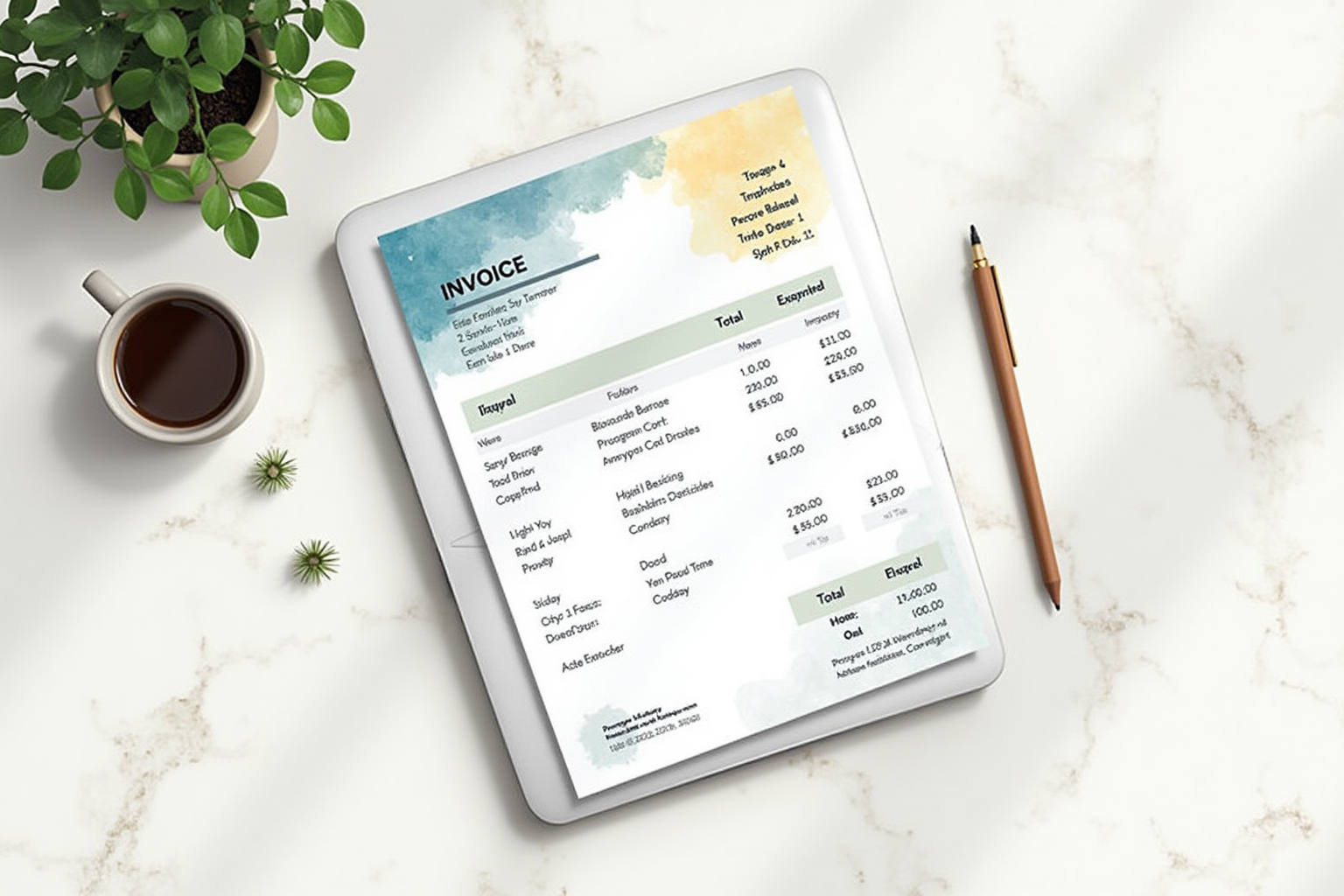
Invoicing software might seem like a minor overhead choice, but the right tool changes how fast your service business collects revenue, which directly affects working capital and growth pace. We ran the same 90-day billing cycle on FreshBooks, HoneyBook, and Square Invoices for a consulting business with 12 active clients, 25 invoices per month at amounts ranging from 250 to 12,000 dollars. We measured average days to payment, late-payment recovery rates, integration with accounting software, and time spent on invoice administration weekly. The differences between platforms were larger than expected.
What Invoicing Software Actually Does

Three concrete services justify the monthly subscription. First, professional invoice templates that look legitimate to corporate clients with AP departments. Generic PDF invoices from Word templates often get queried by AP departments because they lack standard fields or formatting; branded invoices from a known platform get processed without question. Second, integrated payment collection — credit card, ACH, and sometimes alternative methods (Apple Pay, Google Pay) accessible by one click from the invoice email. Third, automated reminder sequences that follow up on unpaid invoices without you tracking each one.
A fourth function matters for some businesses: recurring billing automation for retainer clients, subscriptions, or installment payment plans. All three platforms handle this differently and the difference matters depending on your business model.
Top Pick — Best All-Round For Consultants And Agencies
FreshBooks Plus Plan
Price · $33/month (annual) or $39/month (monthly)
+ Pros
- · Strongest project-time-tracking integration for billable hours
- · Robust automated payment reminders with customizable cadence
- · Native QuickBooks Online and Xero accounting integration
- · 30-day free trial with full feature access
− Cons
- · Per-client pricing on Plus tier (50 clients max)
- · Limited contract and CRM features compared to HoneyBook
Price, availability, and ratings can change; verify details on the retailer page before buying.
FreshBooks is the right choice for consultants, agencies, and service businesses with billable-hour work or project-based pricing. The time-tracking integration is the strongest in our test — tracked time flows directly to invoice line items with the work description preserved, eliminating the manual re-entry that kills time-tracking discipline in less integrated tools. For consultants billing 50 to 100 hours per month at hourly rates, FreshBooks saves 4 to 6 hours of administrative work weekly through this integration alone.
The automated reminder sequences are the second standout feature. Default cadences (3 days before due, 1 day after, 7 days after, 14 days after with optional late fee) recover 35 to 45 percent of unpaid invoices that would have required manual chase, per our test. Customization lets you set different reminder behaviors per client type (gentle for long-term retainers, firmer for one-off projects). The QuickBooks Online and Xero accounting integration is clean — invoices and payments sync to your books in real-time without manual export. The honest limit is the 50-client cap on Plus; agencies with more than 50 active clients need the Premium tier at 60 dollars monthly.
All-In-One Pick — For Creative Service Businesses
HoneyBook
Price · $39/month (annual) or $49/month (monthly)
+ Pros
- · Combines invoicing with contracts, scheduling, and CRM
- · Strongest workflow automation for client-onboarding processes
- · Built specifically for creative service businesses
- · Mobile app handles complete workflow from phone
− Cons
- · Less robust accounting integration than FreshBooks
- · Overkill for businesses that only need invoicing
Price, availability, and ratings can change; verify details on the retailer page before buying.
HoneyBook is the right choice for creative service businesses (photographers, designers, planners, coaches) that need to combine invoicing with client management, contract signing, and project workflow. The CRM functionality is genuinely useful for businesses with sales cycles longer than a few days — from initial inquiry through proposal, contract, payment, and project delivery, HoneyBook keeps every client touchpoint in one place. For photographers with wedding bookings 6 to 18 months out, this integrated workflow eliminates the spreadsheet-plus-email chaos that drowns small creative businesses.
The contract signing integration handles the legal layer that PDF invoicing tools cannot. HoneyBook contracts are legally binding and the e-signature integration meets US ESIGN Act requirements for enforceable agreements. For freelancers tired of “I never agreed to that scope” conversations with clients, the contract layer alone justifies the monthly cost. The downside is feature breadth that may be overkill — if you only need invoicing without the CRM and contract layers, FreshBooks at 33 dollars monthly is cheaper and more focused.
Free Pick — When You Just Need Simple Invoicing

Square Invoices Free Plan
Price · Free (2.9% + $0.30 card / 1% + $0.30 ACH)
+ Pros
- · Genuinely free for unlimited invoicing
- · Integrates with Square POS for in-person and online business unification
- · Same-day deposit for credit card payments to Square account
- · Simple interface — minimal learning curve
− Cons
- · Less robust automation than FreshBooks or HoneyBook
- · Limited recurring billing customization
Price, availability, and ratings can change; verify details on the retailer page before buying.
Square Invoices is the right choice for businesses that already use Square’s other tools (POS, online store) or for businesses with simple invoicing needs that do not justify a monthly subscription. The free tier handles unlimited invoicing with all the core features — branded invoices, automatic payment reminders, payment via credit card or ACH, and basic recurring billing. Square’s business model is the payment processing fees, so the invoicing tier is genuinely free if you accept the 2.9 percent credit card processing rate.
The same-day deposit feature is the structural advantage that Square offers over competitors. Credit card payments processed before 5 PM ET appear in your Square account within hours, available for transfer to your business bank account the next morning. FreshBooks and HoneyBook settlements run 2 to 4 days standard. For businesses with cash-flow sensitivity, the faster settlement matters. The downside is automation depth — Square’s reminder customization is more limited than FreshBooks, and the workflow automation is less polished than HoneyBook’s. For invoicing-only needs, this is acceptable; for businesses needing sophisticated client-management workflows, the paid platforms are worth the cost.
What To Avoid
Three invoicing categories should not be your default. Stand-alone invoice generators that lack payment integration (Invoice Ninja, Zoho Invoice free tier) reduce the cash-flow improvement that justifies invoicing software in the first place. Accounting-software-bundled invoicing (QuickBooks Online’s invoicing module, Xero invoicing) works but the interface is buried inside the accounting tool, reducing usability for daily invoicing operations. PayPal invoicing remains widely used but the 3.5 percent processing fee plus PayPal’s reputation for fund holds make it a poor choice for substantial business invoicing.
The Setup Decision That Affects Collection Speed
Configure your default payment terms during setup, and choose net-7 or net-15 rather than net-30 if your client base accepts shorter terms. Federal Reserve data on small business cash flow shows that businesses using net-30 terms get paid in an average of 36 days; businesses using net-15 terms get paid in 19 days. The 17-day cash-flow improvement compounds across an entire year of receivables and meaningfully reduces working capital needs. Setting up auto-reminder cadences at 3 days before due, 1 day after, and 7 days after recovers an additional 25 to 40 percent of payments that would otherwise drift to 60+ days past due.
Bottom Line
FreshBooks for consultants and agencies prioritizing time tracking and automated reminders. HoneyBook for creative service businesses needing CRM and contract management bundled with invoicing. Square Invoices for businesses with simple needs or existing Square ecosystem integration. The cash-flow improvement from upgrading from PDF invoices to any of these platforms typically exceeds the monthly cost within the first month.
For more business tools see our business banking comparison, accounting software comparison, and small business category.